Get Novia HQ on your phone
Add Novia HQ to your home screen so it opens like an app — no app store needed.
Android (Chrome)
Step 1
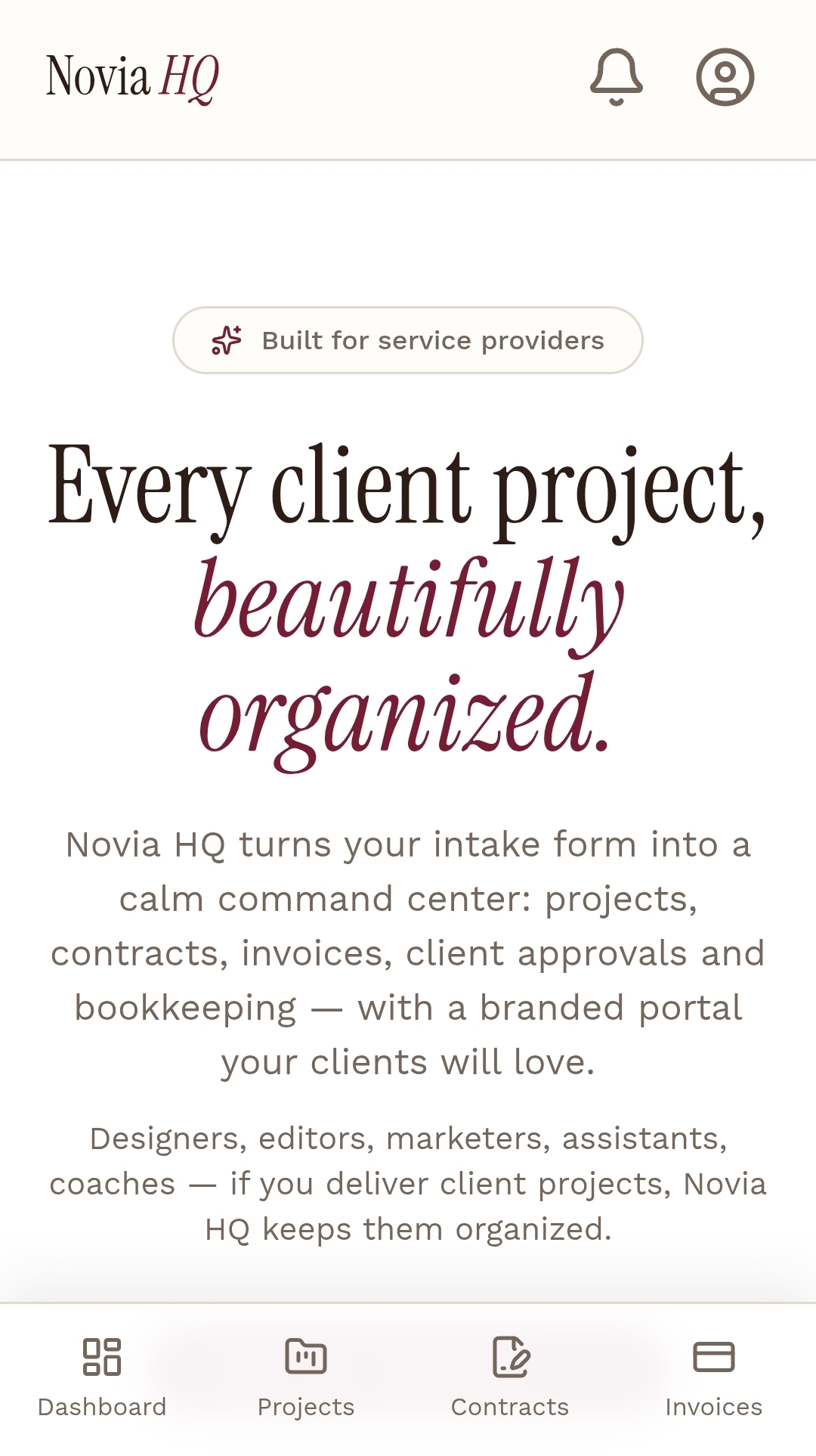
Open Novia HQ in Chrome
Go to noviahq.app in Chrome on your phone, then tap the three-dot menu in the top-right corner.
Step 2
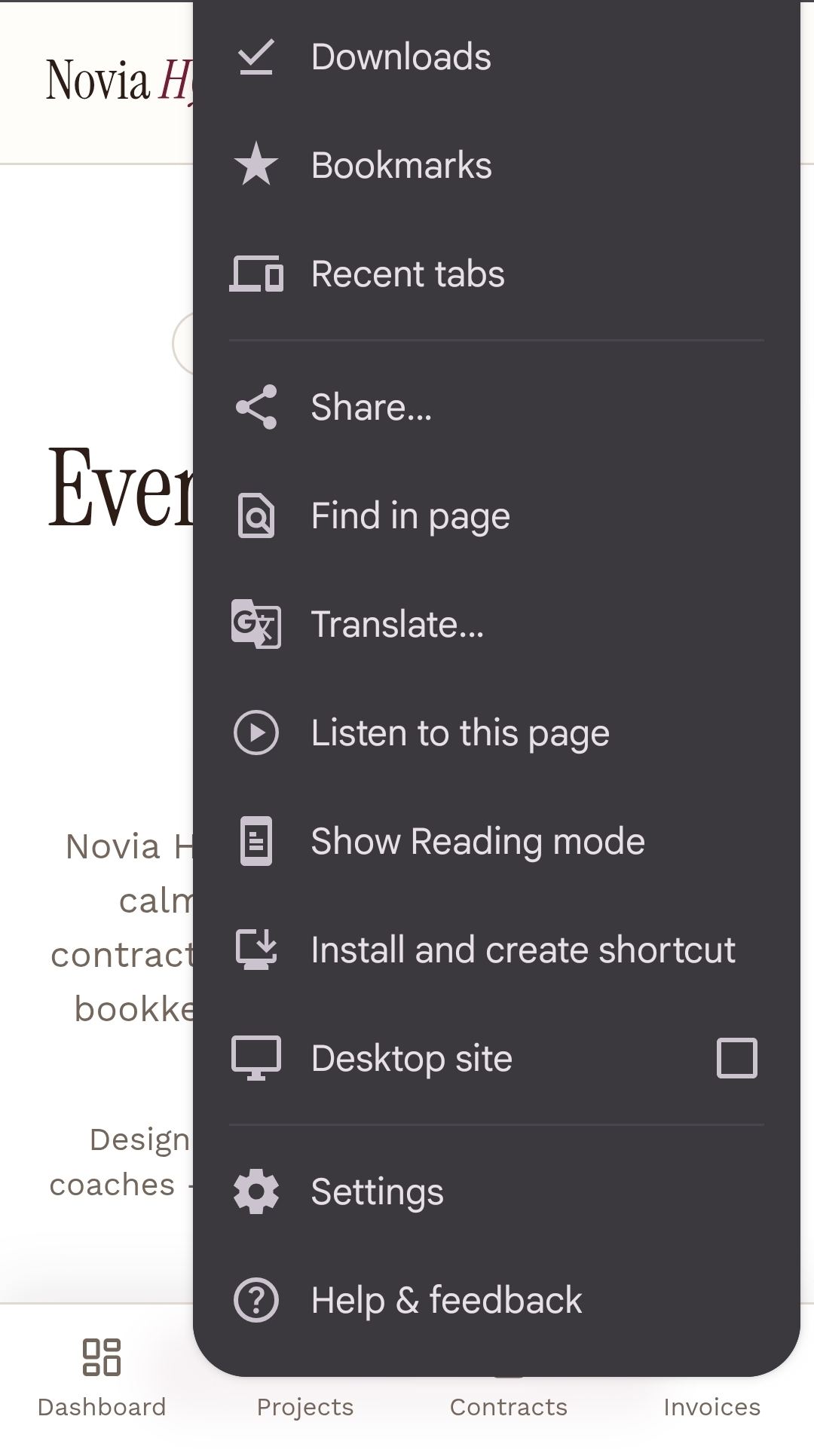
Tap “Install and create shortcut”
Scroll the menu and choose Install and create shortcut (on some phones it says Add to Home screen or Install app).
Step 3
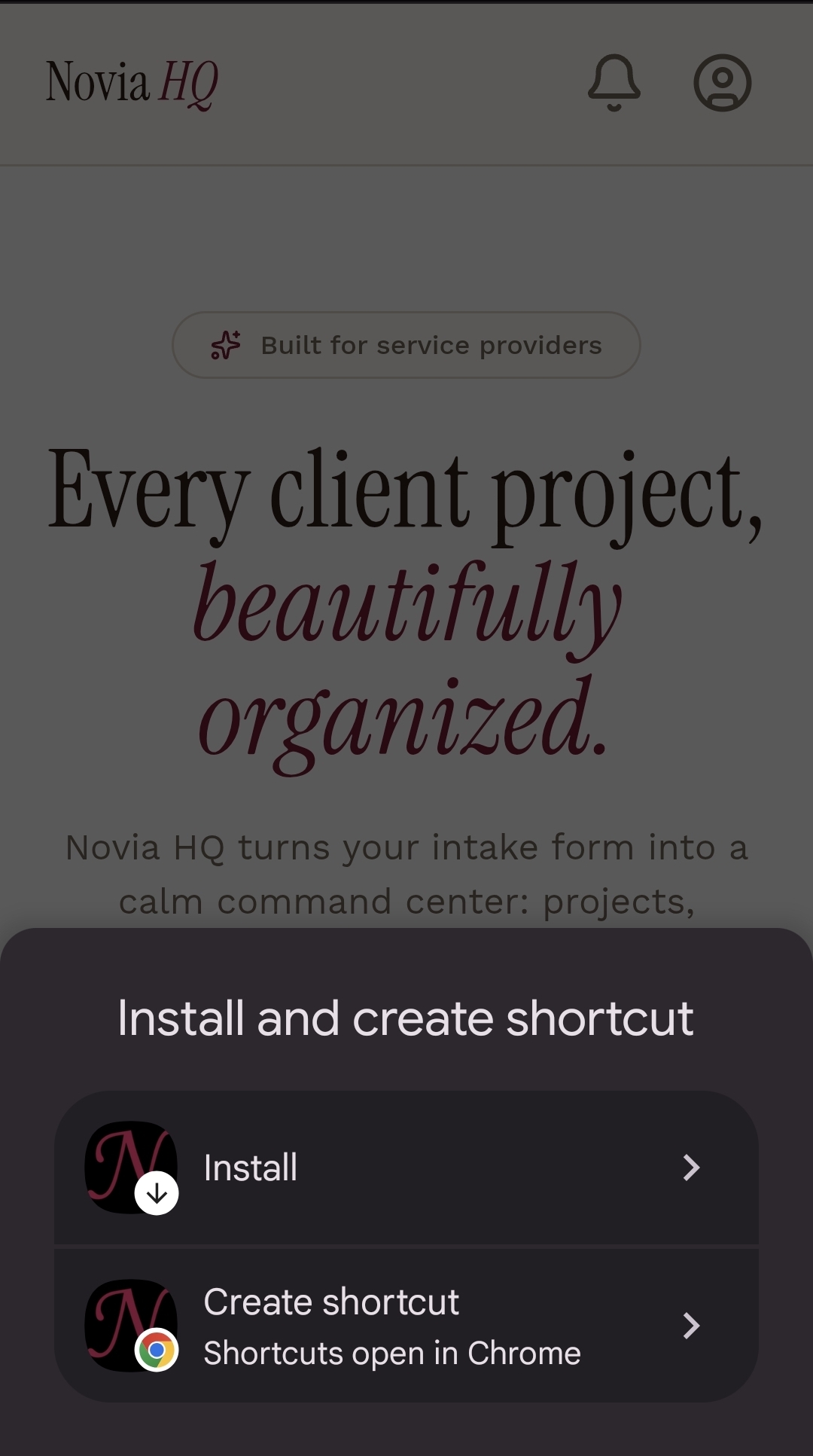
Choose “Install”
Pick Install so Novia HQ opens in its own window, just like a regular app.
Step 4
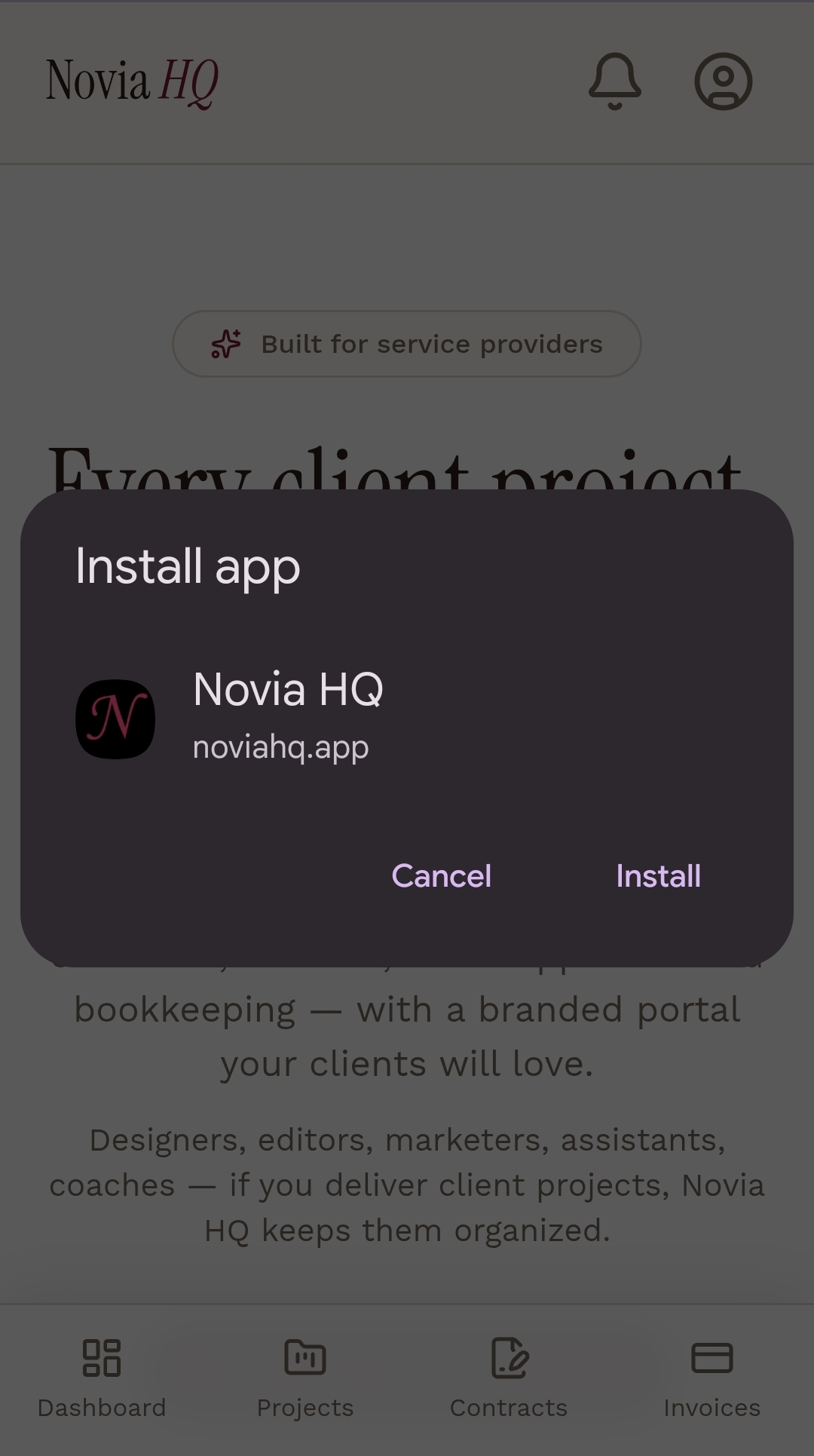
Confirm the install
Tap Install again. The Novia HQ icon will appear on your home screen and in your app list.
iPhone (Safari)
- 1Open noviahq.app in Safari.
- 2Tap the Share button (the square with an arrow pointing up) at the bottom of the screen.
- 3Scroll down and tap Add to Home Screen.
- 4Tap Add in the top-right corner. Novia HQ will appear on your home screen.